First-party disclosure: GPTMarketPlus publishes this guide and Agent Foundry sells CueKeeper. We benefit if you buy it. This is a practical first-party scope guide, not an independent review or a claim of tested customer results.
A subtitle file is already a partial transcript, but it becomes much less useful when a conversion drops the cue times that tell you where each line belongs. If you are reviewing an interview, a research recording, a video draft, or a meeting export, preserving those references makes it possible to return to the original moment instead of treating every sentence as detached text.
This guide is about existing SRT and WebVTT files. It does not cover extracting subtitles from video, creating captions from audio, translating dialogue, or proving that the supplied captions are correct. Those are different jobs with different evidence and privacy requirements.
Start with the file you actually have
SRT usually stores a numbered cue, a start and end time, and the subtitle text. WebVTT uses a similar timing model with a different header and optional metadata. Both can be turned into readable text, but the conversion should retain enough timing information to reconnect an observation with its source cue.
Before converting, make a copy of the original subtitle file and record where it came from. A transcript tool can preserve or reformat what is supplied; it cannot know whether a speaker label, caption, or time range was accurate in the first place.
Choose an output that stays reviewable
| Output | Useful when | What to check |
|---|---|---|
| Timestamped Markdown | You need to annotate or quote portions while retaining source moments | Each cue has a recognizable time reference and the text remains readable |
| Plain text with time markers | You need a lightweight file for searching or a downstream local workflow | Markers do not disappear during cleaning or line wrapping |
| Dialogue-only copy | You need a cleaner reading version alongside—not instead of—the time-linked source | Keep the timestamped export as the reviewable reference |
| Quality report | You need to find malformed or ambiguous cues before relying on an export | Review empty dialogue, overlaps, invalid intervals, duplicate cues, and encoding warnings |
Do not let a polished reading copy replace the source-linked version. If somebody later asks where a statement came from, timing is the shortest path back to the original recording or caption source.
What a local conversion workflow can—and cannot—do
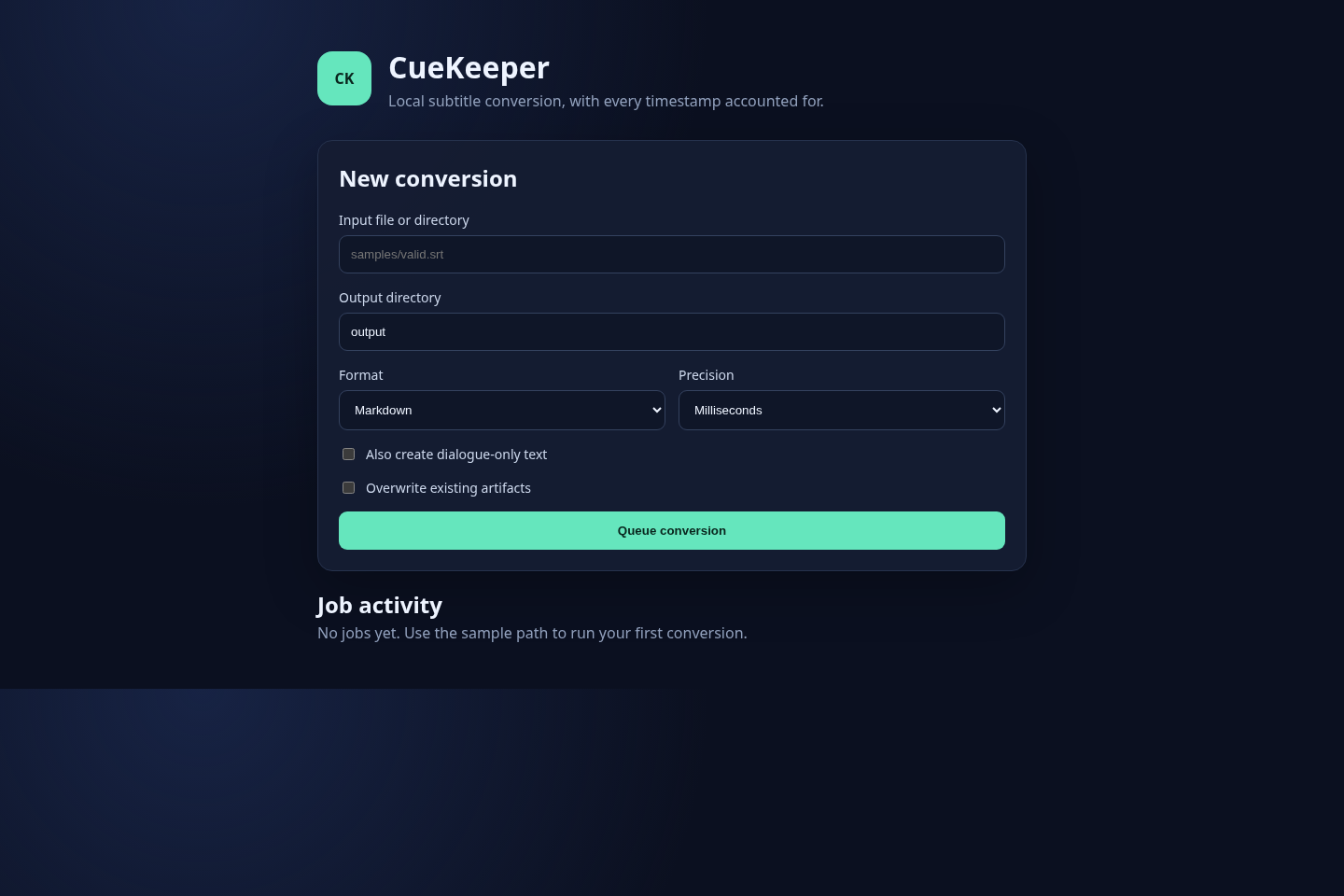
CueKeeper is a $1 local toolkit for converting existing SRT and WebVTT files into timestamp-preserved Markdown or plain-text transcripts, an optional dialogue-only version, and a JSON quality report. Its product page states that it runs locally and does not upload subtitle content. That can be useful when a file should stay on the operator's machine.
The boundary matters. CueKeeper does not listen to audio, generate captions, identify speakers, translate dialogue, or certify a transcript. A clean export means the supplied subtitle structure was processed; it does not prove the words match the underlying media. Review important passages against the original source.
Before you buy: four scope questions
Can CueKeeper transcribe audio or video?
No. It converts existing SRT and WebVTT subtitle files; it does not listen to audio, create captions, or transcribe video.
Does CueKeeper upload subtitle files?
Its public product page states that it runs locally and does not upload subtitle content. Check the current requirements before purchase.
Can a subtitle converter prove a transcript is accurate?
No. It can preserve and report on the subtitle structure it receives, but it cannot establish that supplied captions, speakers, or timing match the original media.
What does CueKeeper cost?
The product page displayed $1 USD or USDC when this guide was checked. Confirm the current price and requirements before purchase.
A cautious conversion checklist
- Keep an unmodified copy of the original SRT or WebVTT file.
- Confirm the file is authorized for your intended use and does not contain material you should not process locally.
- Generate a timestamped export first, then any simplified reading copy.
- Read the quality report and resolve or label warnings rather than silently discarding them.
- Spot-check important passages against the original media or approved subtitle source.
- Share the source-linked transcript and the limits of the conversion with anyone who will rely on it.
When to use something else
Choose a speech-to-text system if you begin with audio or video and need captions created. Choose a translation workflow if the goal is a different language. Use a human editor or an approved specialist process where accuracy, speaker attribution, legal review, accessibility conformance, or publication decisions matter. A timestamp-preserving converter is a narrow local utility, not a substitute for those stages.
If your job is specifically to make an existing subtitle file easier to search and review while keeping its cue timing, check the current CueKeeper product page for requirements and purchase details. Do not purchase it for work outside that stated scope.